Download Reports

Download Reports

You can generate detailed reports to track purchases, signups, and commissions earned through your affiliate links. Reports help you analyze performance, monitor earnings, and download data for reconciliation.

Steps to Generate Reports

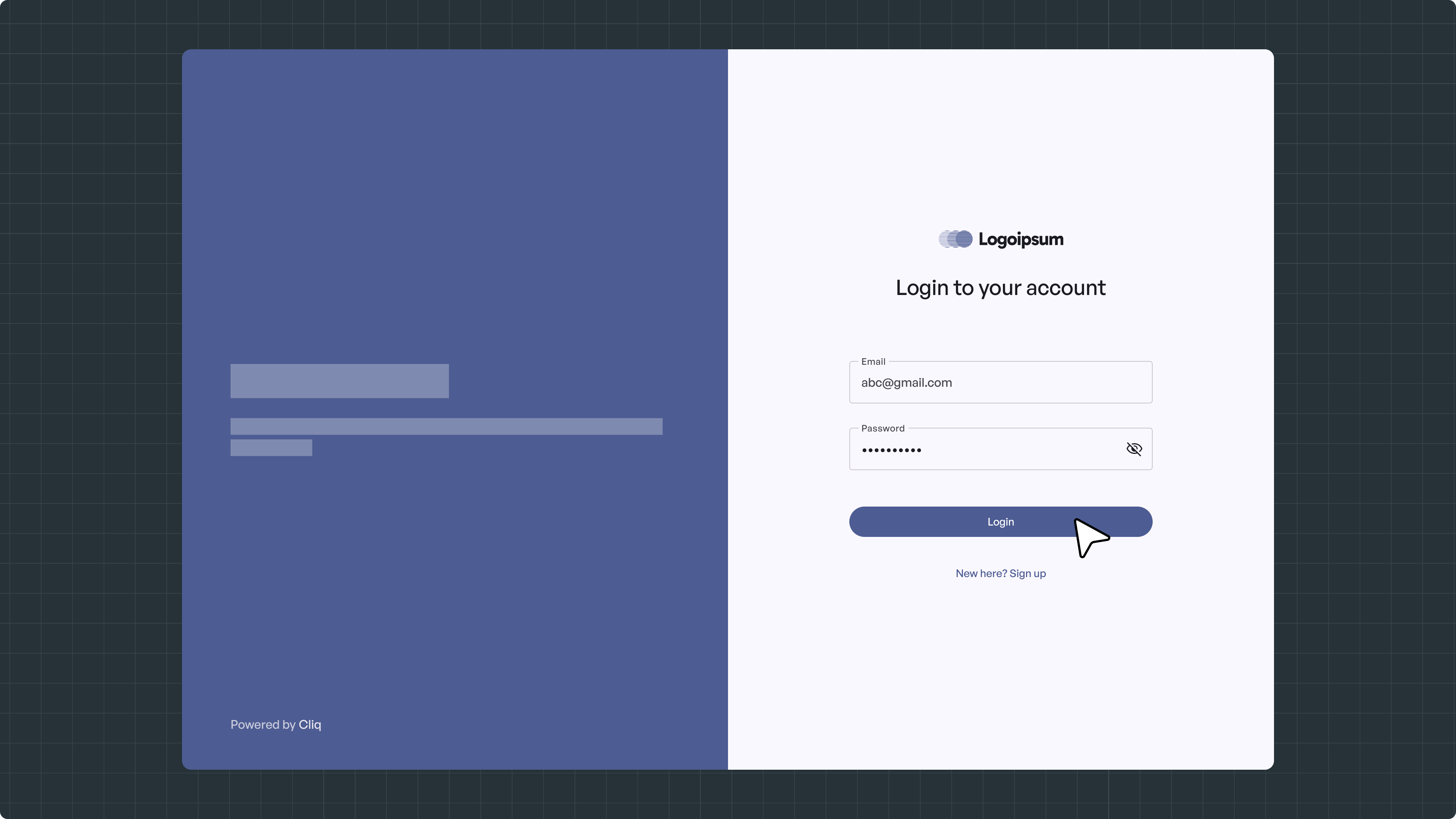
  1. Log In:
    Sign in to your Cliq affiliate account to access your dashboard.
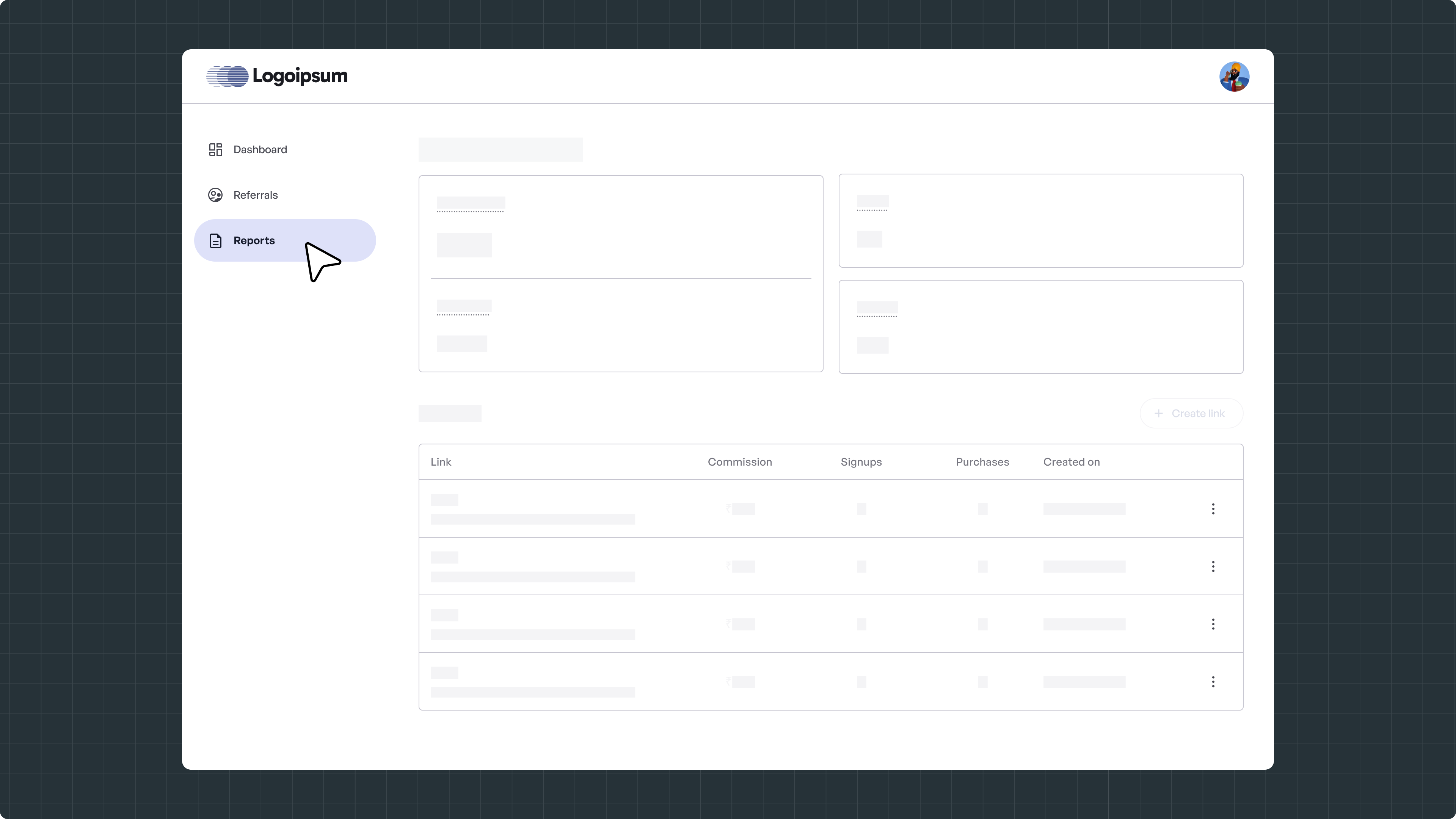
  2. Navigate to Reports:
    From the left-hand menu, click on Reports.
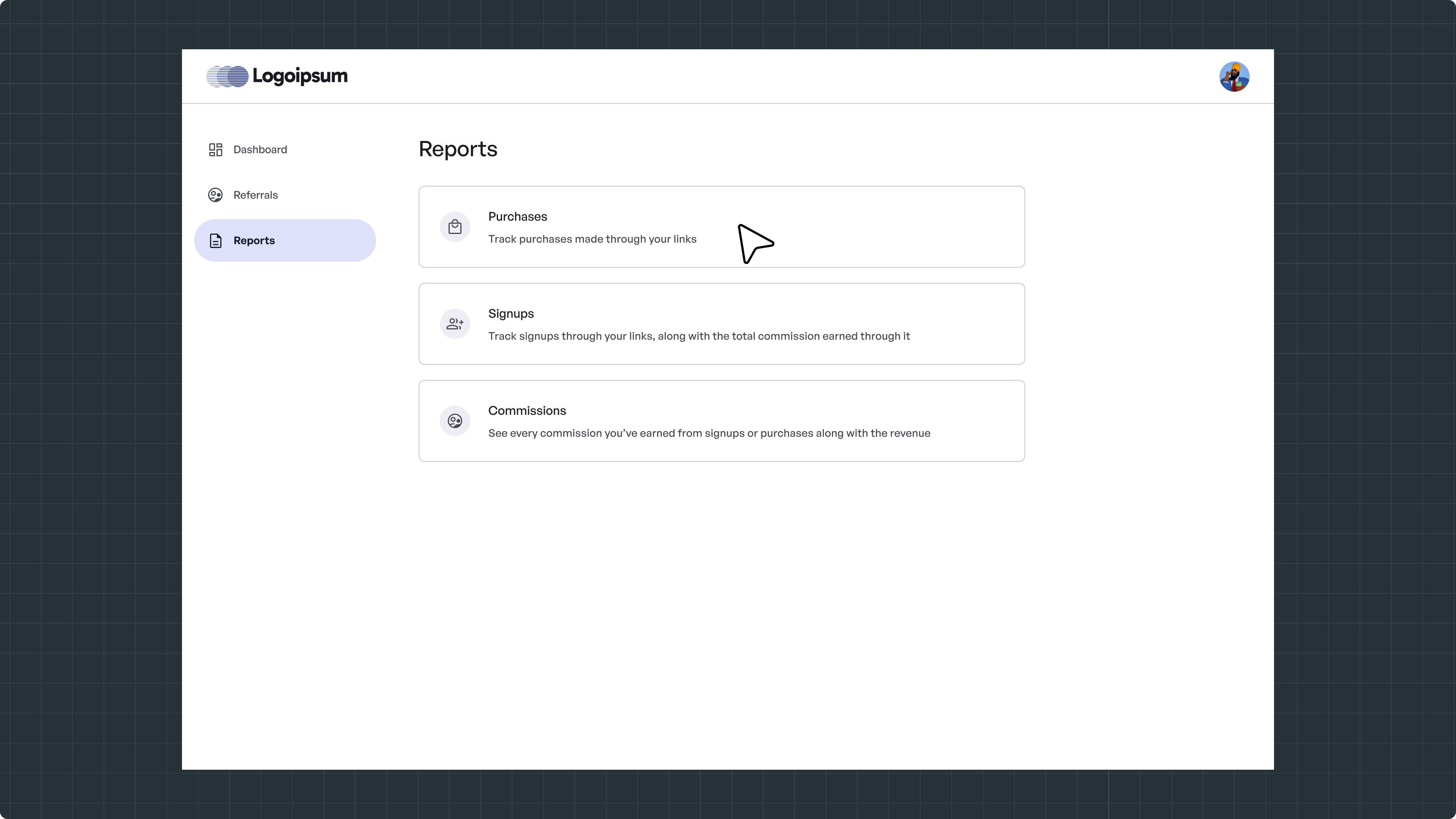
  3. Choose Report Type:
    Select the type of report you want to generate:
  • Purchases

  • Signups

  • Commissions

  1. If you want to Download Purchases Report

  1. Select Purchases:
    Click on Purchases to view purchases earned from signups and purchases.
  1. Choose Time Period:
    Select a predefined time period or choose a custom date range.
  1. Generate Report:
    Click Generate to view and download the purchases report.

Need Help?

Raise a ticket to get in touch with us


    • Related Articles

    • Create Affiliate Link

      Easily create affiliate referral links, share them, and track performance including signups, purchases, and commissions, all from one dashboard. Use this guide to learn how to create and manage your affiliate links. Steps to Create and Manage ...
    • Add Team Members

      Add team members to collaborate and manage your affiliate account more efficiently. Team members can be assigned roles to help track referrals, view reports, and manage settings based on access permissions. Steps to Add Team Members Log In: Sign in ...
    • Terms & Conditions

      Welcome to our Affiliate Program Join our Affiliate Program and start earning commissions by referring new users to Quicko's Products & Services. Simply share your unique affiliate link, and earn when your referrals sign up or make a purchase. ...