Add Capital Gains from WintWealth

Add Capital Gains from WintWealth

If you use WintWealth to invest, you can easily import your capital gains into Quicko by uploading the Tax P&L Report downloaded from your WintWealth account. This saves you from entering each transaction manually.

Before You Start

  • Download your Tax P&L Report from the WintWealth app or website.
  • Ensure the report is in the original format downloaded from the platform.
  • Keep the file ready before starting the upload process.

Upload Your Tax P&L Report

1. Go to Capital Gains from the left menu, click Capital Gains and ensure you're on the Securities tab. Then click Add.
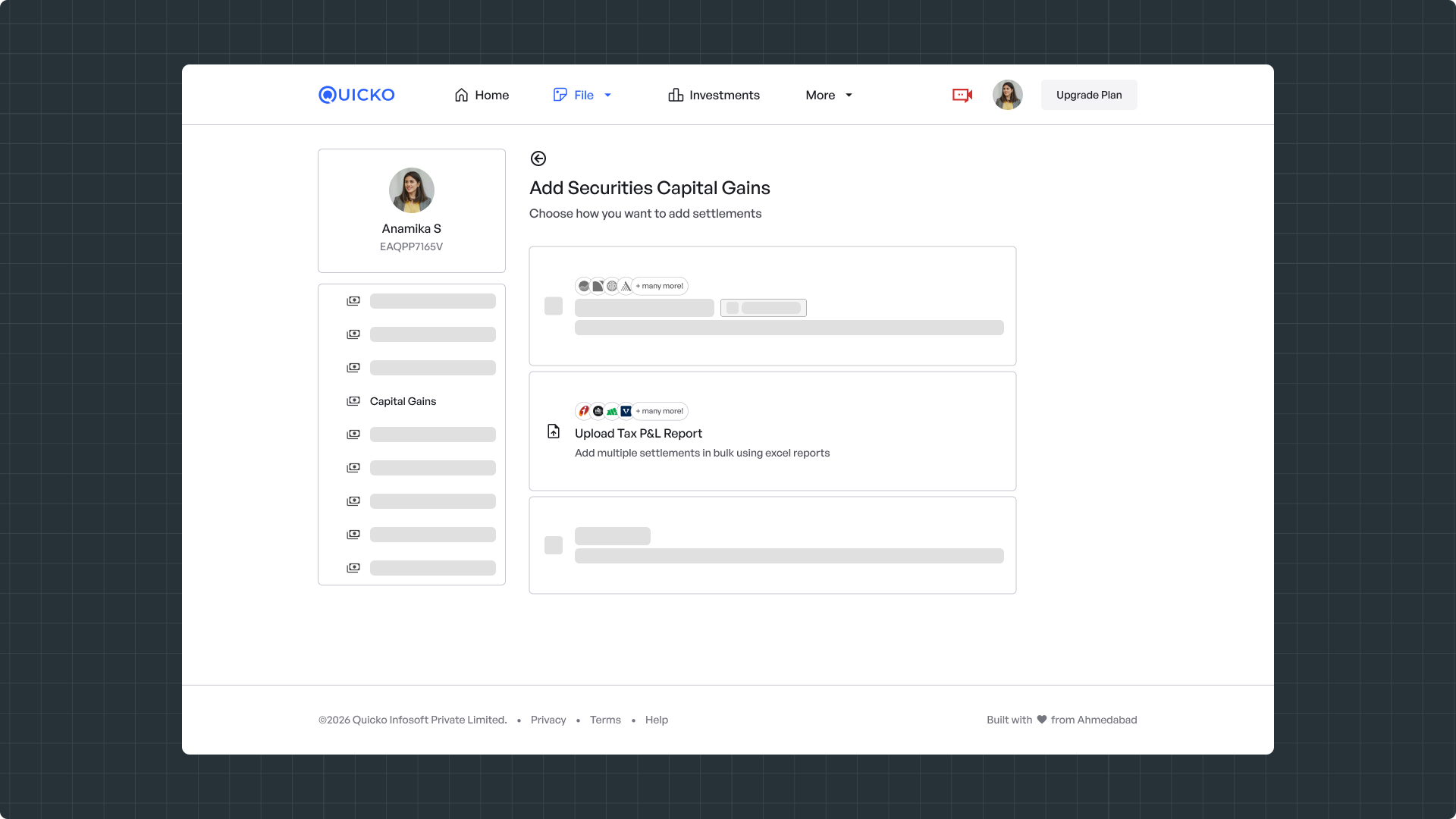
2. Choose Upload Tax P&L Report, On the Add Securities Capital Gains screen, select Upload Tax P&L Report.

This option lets you import multiple transactions in one go using the report downloaded from your broker or investment platform.

3. Enter Your Account Details
Provide the following details:
  • Account Name – Enter the name of your broker or investment platform (for example, WintWealth).
  • Account ID – Enter your account ID or client ID associated with that platform.

4. After saving the account, select it and upload the Tax P&L Report you downloaded from WintWealth.

Quicko will process the report and automatically import your capital gains transactions.

Note: Quicko supports Tax P&L Reports downloaded directly from WintWealth. If the report has been modified or converted into another format, the upload may fail. Download a fresh copy from the respective platform and upload it without making any changes.

Still need help?

Raise a support ticket and our team will get in touch with you.
    • Related Articles

    • Add Capital Gains Manually

      Add Capital Gains Manually Have Capital Gains transactions but can’t find your broker on our platform? No problem — you can easily enter your trade details manually in a few simple steps. Web Mobile Web Steps to Add Capital Gains Manually Navigate to ...
    • Add Capital Gains from Zerodha

      If you use Zerodha to invest, you can easily import your capital gains into Quicko by uploading the Tax P&L Report downloaded from your Zerodha account. This saves you from entering each transaction manually. Before You Start Download your Tax P&L ...
    • Add Capital Gains (Crypto) Manually

      If you've bought and sold cryptocurrency, you can manually add each settlement in Quicko to calculate your capital gains or losses. Steps to Add a Crypto Settlement Manually Navigate to File > Capital Gains > Crypto. Click Add Crypto. Select Add ...
    • Add Capital Gains for mStock

      Add Capital Gains from mStock If you use mStock for your investments, you can easily import your capital gains into Quicko by uploading the Tax P&L Report downloaded from your mStock account. This saves you from entering each transaction manually. ...
    • Add Capital Gains from INDmoney

      If you use INDmoney to invest, you can easily import your capital gains into Quicko by uploading the Tax P&L Report downloaded from your INDmoney account. This saves you from entering each transaction manually. Before You Start Download your Tax P&L ...